
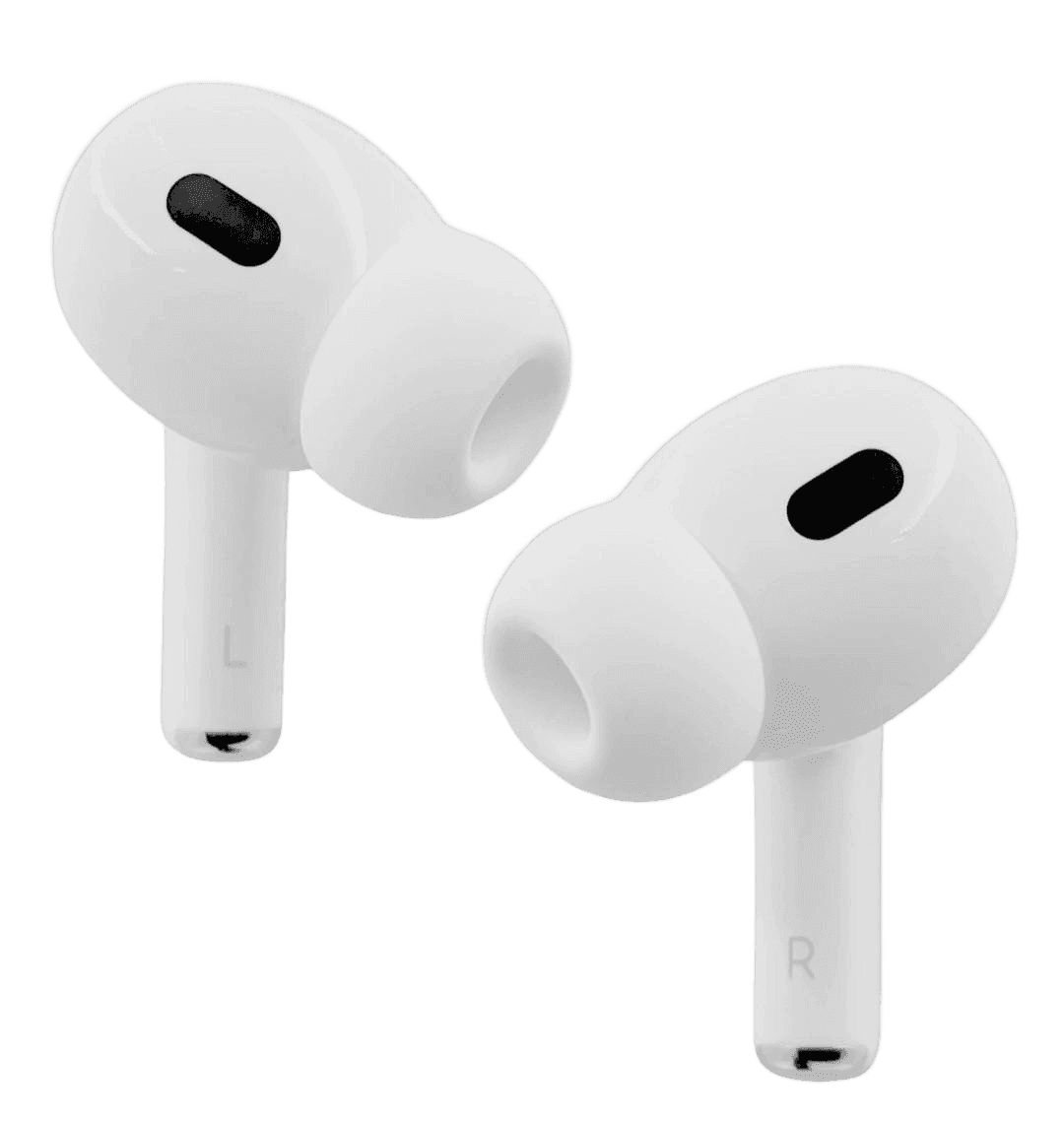
How to Clean Earbuds and the Charging Case
By TezKhareed Team · Updated 2 September 2026
Two things kill wireless earbuds early: wax packed into the mesh (sounds like a dead or muffled channel) and moisture at the charging contacts (one bud stops charging). Both are preventable with a two-minute routine.
What you need
- A dry, soft toothbrush or a clean makeup brush
- Cotton buds (dry)
- A wooden or plastic toothpick — never a pin or needle
- A microfibre cloth
- Optional: a small amount of isopropyl alcohol (90%+) on a cotton bud
No water, no soap, no spraying anything directly.
Cleaning the earbuds
- Brush the mesh where sound comes out, earbud facing down so debris falls away, not in. Short, light strokes.
- Loosen packed wax at the edge of the mesh with the toothpick, gently, still facing down. Don't push inward.
- Wipe the body with a barely-damp microfibre cloth. For stubborn grime, a cotton bud lightly touched with isopropyl alcohol — then let it air-dry fully.
- Clean the metal charging pins on each bud with a dry cotton bud. If one bud won't charge, this is the first thing to check.
- Pull off the silicone tips, rinse them in plain water, dry completely, and refit. Do this weekly if you use the buds at the gym.
Cleaning the case
- Empty it out — brush loose lint and dust from the bud slots, case open and facing down.
- The charging contacts inside the slots collect fluff that stops the buds seating. Work a dry cotton bud or the toothpick around each contact.
- Wipe the case shell and lid hinge with the microfibre cloth.
- If the case has a USB-C port, brush lint out of it — a blocked port charges the case slowly or not at all.
Habits that prevent the problem
- Dry the buds before they go back in the case. Damp buds in a sealed case corrode the contacts — the single most common cause of "one bud died".
- Clean the mesh weekly if you wear them daily, monthly otherwise.
- Keep the case out of pockets full of lint and sand.
- Don't share tips between people without rinsing them.
When cleaning won't fix it
- Both channels still muffled after a thorough mesh clean: the driver may be failing.
- One bud won't charge despite clean pins on bud and case: contact fault.
Either of those on a set bought from us is a warranty replacement — send a short video with your order number on WhatsApp. Browse wireless earbuds, bank transfer with fast nationwide delivery.
Frequently asked questions
Why does one of my earbuds sound muffled?+
Wax packed into the sound mesh. Brush it gently with a dry soft brush, earbud facing down, and loosen packed wax at the edge with a wooden toothpick — never a pin.
Can I clean earbuds with water?+
No. Use a barely-damp microfibre cloth and, for grime, a cotton bud lightly touched with isopropyl alcohol, then air-dry. Never rinse or spray the buds or case.
Part of our Wireless Earbuds guides.