
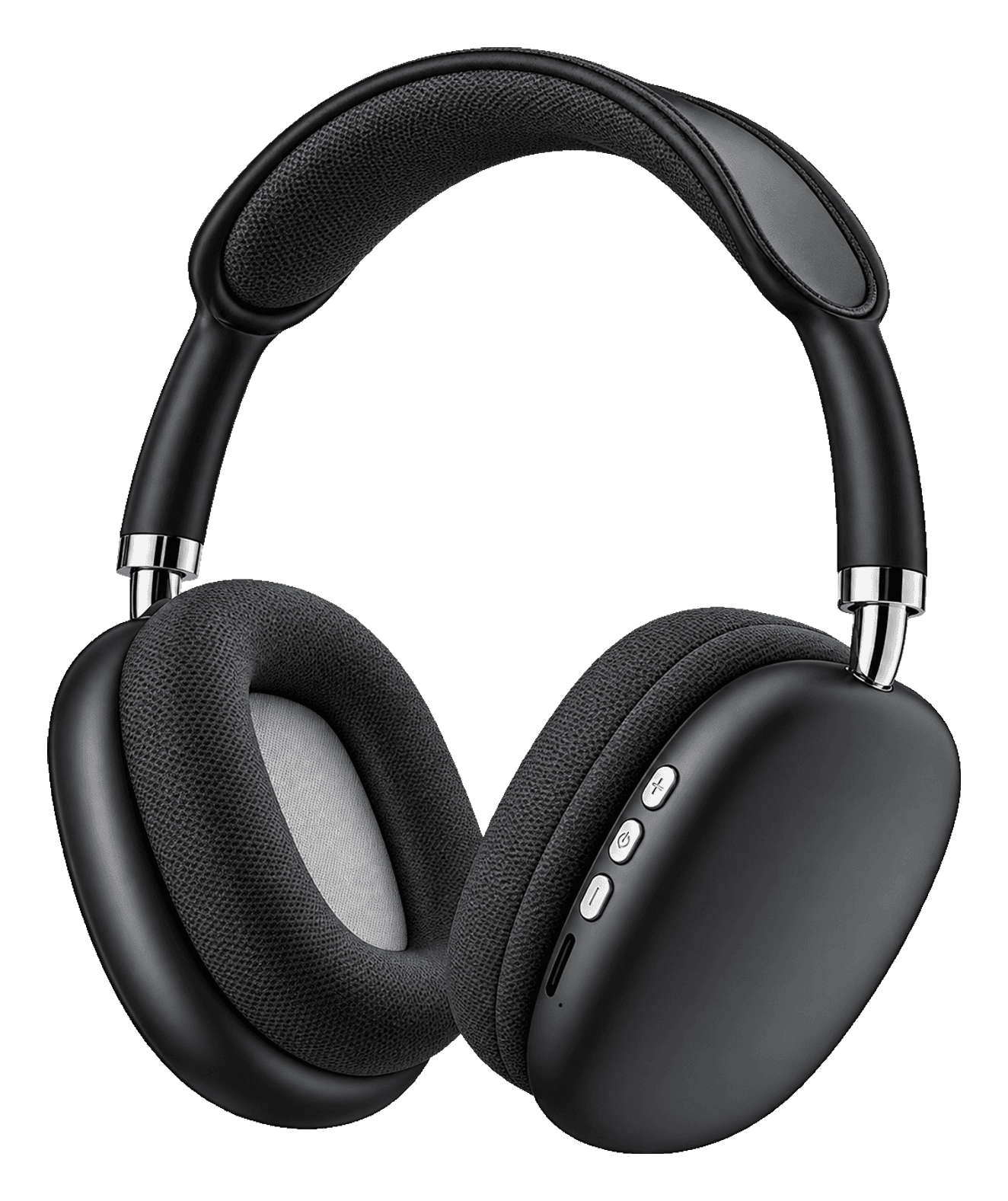
How to Pair Wireless Headphones (and Fix the Common Problems)
By TezKhareed Team · Updated 14 September 2026
Over-ear Bluetooth headphones pair the same basic way earbuds do, but they add one wrinkle earbuds don't have: most also work wired and, on some sets, as a standalone MP3 player. That third mode is usually the reason people think pairing "isn't working" when it's actually working fine — the headphones just aren't in Bluetooth mode at all.
First-time pairing
- Charge for at least 30 minutes before you start. A headset that ships near-empty will often power on but refuse to hold a Bluetooth connection — that reads as a pairing failure and isn't one.
- Hold the power button for 3–5 seconds until the LED starts flashing (usually red/blue alternating, or blue on its own). That flashing pattern means pairing mode, not "on."
- Open Bluetooth settings on your phone, wait for the headphones' name to show up in the list, and tap it once.
- Play something. If audio comes through, you're done — the LED usually switches to a steady colour or turns off once connected.
Android specifics
- Some phones show a Fast Pair card the moment the headphones enter pairing mode — tap Connect and skip the manual Bluetooth menu entirely.
- If you paired before and it's not reconnecting, open Bluetooth settings, tap the gear next to the headphones' name, and confirm Media audio is switched on.
iPhone specifics
- Non-Apple headphones pair through Settings → Bluetooth like any other accessory — there's no automatic pop-up.
- If the headphones show as connected but no sound comes through, check Settings → Bluetooth → (device name) and make sure it's not still routed to a different output like a TV or a laptop nearby.
Fixes for common problems
"No devices found." The headphones are already connected to something else in the room — another phone, a laptop, a TV. Turn Bluetooth off on that device, or hold the power button 8–10 seconds to force a reset, then retry.
They connect, then disconnect a few seconds later. Almost always a low-battery cutoff or something metal blocking the signal path — a phone case with a metal plate, a bag, a hand cupped over the earcup. Charge fully and retest with a clear line of sight before assuming it's faulty.
Sound only comes from one side. Check the volume isn't ducked on that channel in your phone's accessibility settings first — mono audio is a common accidental toggle. If both channels test fine on another device, it's a hardware fault, not a pairing issue.
Bluetooth won't connect at all, but the headphones power on. Try the 3.5mm cable if the set has one — it confirms the drivers and amp are working and narrows the problem down to the Bluetooth radio specifically, which is useful information if you end up asking for a warranty check.
Switching between Bluetooth, wired and microSD modes
On sets that support all three — like the STN-28 — plugging in a 3.5mm cable while Bluetooth is still connected can cause both to fight for the audio output, which sounds like distorted or doubled audio. Turn Bluetooth off on your phone (or power the headphones off and back on) before switching to wired or microSD mode, rather than trying to run two sources at once.
MP3-from-card mode needs no pairing step at all. If you're loading music onto a microSD card for a kid or for the gym, that mode works with Bluetooth switched off entirely — there's nothing to pair, just power on and use the on-cup buttons to browse tracks.
Still stuck after a full reset? If the set is from us, message the order number on WhatsApp with what you've already tried and, if it arrived faulty out of the box, your unboxing video — at that point it's a hardware fault to sort out directly, not a settings problem. Our over-ear headphones ship sold as-is without a formal warranty, so check the terms on the specific product page before you buy. Browse the headphones range or see the P9 Wireless Headphones.
Frequently asked questions
Why won't my headphones enter pairing mode?+
Almost always a low or dead battery — charge for at least 30 minutes and try again. If the LED still will not flash after a full charge, hold the power button for 8–10 seconds to force a reset.
Can I use the same headphones with a laptop?+
Yes, the same Bluetooth pairing steps apply — open Bluetooth settings on the laptop instead of a phone. If the set has a 3.5mm cable, that works with any laptop headphone jack too, wired, with no pairing needed at all.
Do I need to pair again every time I turn them on?+
No — once paired, most headphones reconnect automatically to the last phone they were used with as soon as both are powered on with Bluetooth active. You only pair manually the first time, or after a factory reset.
Part of our Headphones guides.