
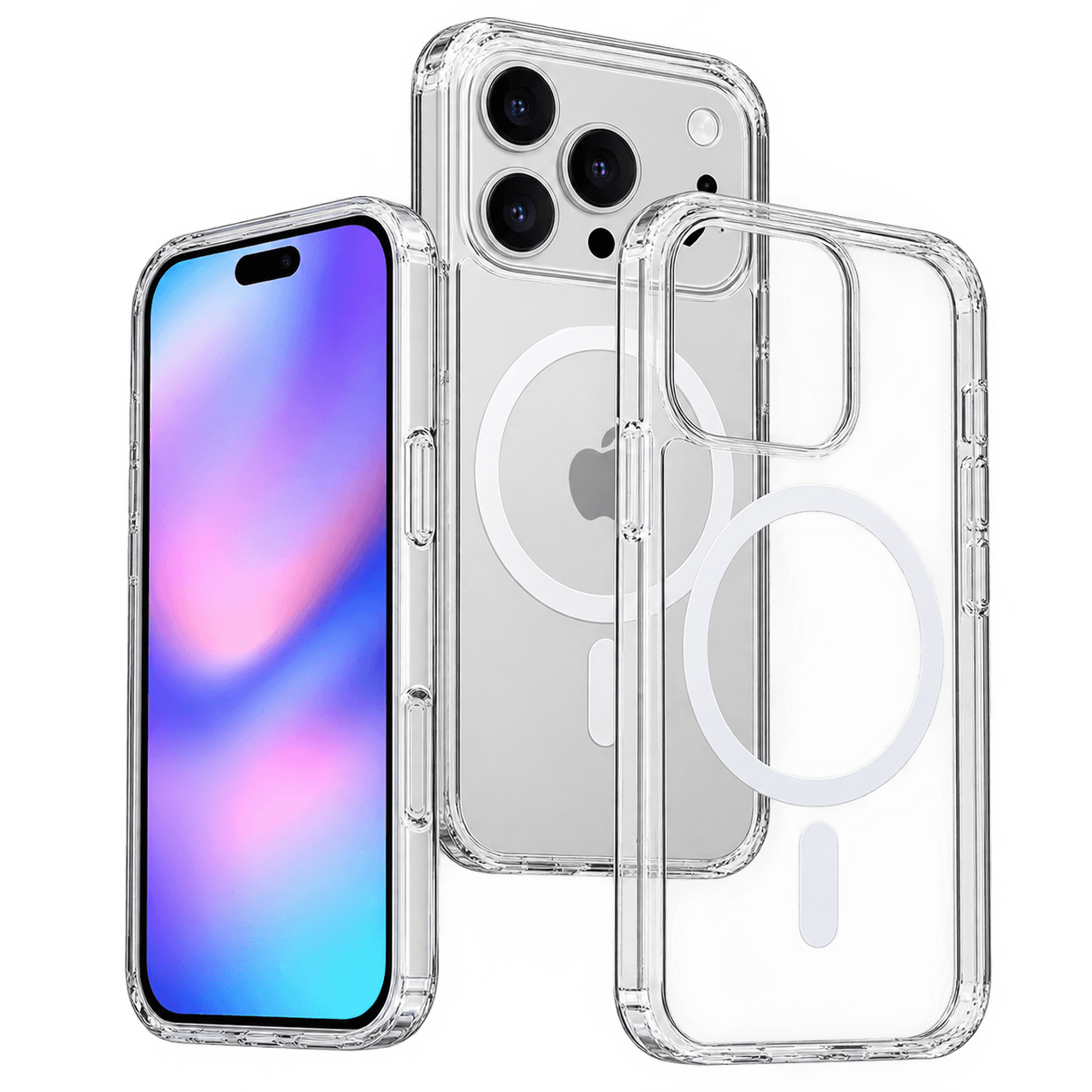
How to Tell If a Case Is Actually MagSafe Compatible
By TezKhareed Team · Updated 14 September 2026
"MagSafe compatible" gets printed on a lot of listings that don't actually have a magnet ring inside — some just mean "won't stop your wireless charger from working at all," which is a much lower bar. Here's how to tell the difference before you buy, and how to check a case you already own.
The quick test if you already have the case
Hold a MagSafe charger, a magnetic wallet, or even a fridge magnet near the back of the case. A real magnet ring pulls it in and centres it on its own — you'll feel it snap. If the magnet just sits there with no pull, or only grips weakly off to one side, there's no proper ring in that case, whatever the listing said.
What to check before you buy
Look for the magnet ring called out explicitly in the specs, not just the phrase "MagSafe compatible" in the title. A case that actually has one will usually describe it as a "built-in magnet ring," "MagSafe magnets," or similar — vague wording with no mention of magnets anywhere in the description is the biggest red flag.
Check whether wireless charging speed is mentioned. A case with a real magnet ring that's also built for MagSafe won't block the higher wireless charging speeds newer iPhones support (up to 15–25W depending on model). If a listing only claims basic Qi charging with no mention of MagSafe speeds, the case may just be wireless-charging-safe, not actually magnetic.
Thickness matters even with real magnets. A genuine magnet ring can still be paired with a case that's too thick overall, which interrupts wireless charging regardless of the magnets doing their job correctly. Thin cases, roughly under 3mm, are the safest bet either way.
Common ways sellers overstate this
- "Works with MagSafe chargers" — technically true of almost any thin case, since a MagSafe charger still delivers basic Qi power without the magnets snapping in. This phrasing avoids claiming an actual magnet ring exists.
- A magnet ring photo that's actually a design print. Some clear cases show a visible ring pattern purely for looks, with no real magnets behind it. The hold test above catches this immediately — a printed ring has no pull at all.
- "Compatible" cases that need an added magnetic sticker. These work, but they're a different product from a case with magnets built into the shell, and usually sit less flush.
What we do differently
The Clear MagSafe Case we stock has the magnet ring moulded directly into the polycarbonate back — it's listed explicitly in the specs, not just the marketing copy, and it's rated for the full wireless charging speed newer iPhones support through the case. Pick your exact iPhone model on the product page; the cut-outs and magnet placement are made for that specific model, not a generic "fits most" shape.
Browse Clear MagSafe Cases or the full phone cases range — 7-day checking warranty, fast delivery across Pakistan.
Frequently asked questions
Will a fridge magnet really tell me if a case has MagSafe magnets?+
Yes, as a quick check — a real magnet ring will pull a small magnet in and centre it on its own. No pull, or only a weak one-sided grip, means there is no proper ring in that case regardless of what the listing claimed.
Does a thicker case block MagSafe even with real magnets?+
It can — the magnets themselves still work, but overall case thickness above roughly 3mm can interrupt wireless charging regardless of magnet placement. Check the case thickness, not just whether it has magnets.
Are MagSafe stick-on rings a good alternative?+
They work, but they sit less flush against the case and can peel or shift over months of use. A case with the magnets moulded into the shell is the more durable option if MagSafe support matters to you.
Part of our Cases & Pouches guides.