
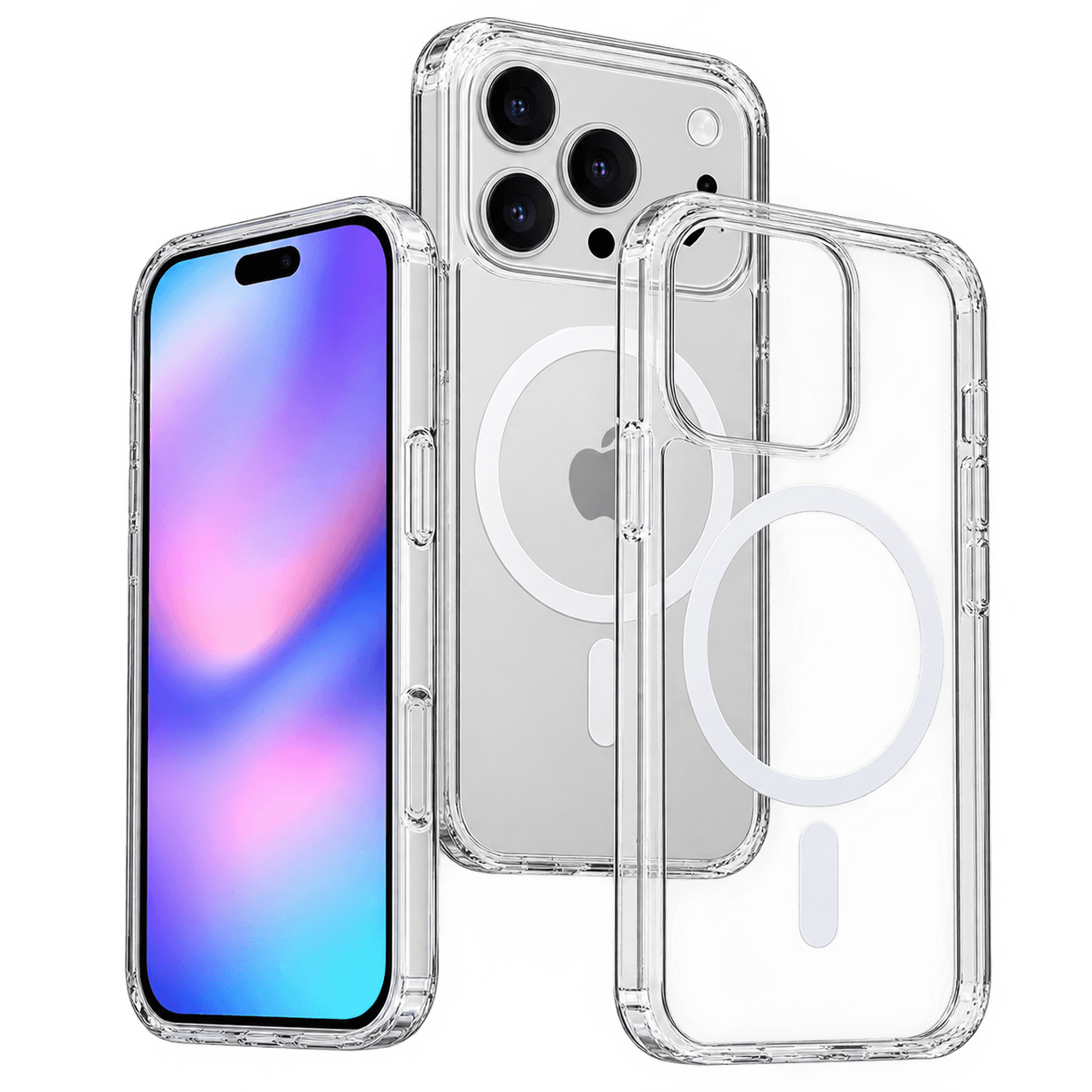
MagSafe Case vs Regular Case: Do You Need the Magnet Ring?
By TezKhareed Team · Updated 14 September 2026
Every case protects the phone. A MagSafe case does one thing a regular case doesn't: it turns the back of your phone into a mount point. Whether that's worth paying for comes down to what you actually plug into your phone during the day, not how the case looks.
What the magnet ring actually buys you
A MagSafe-compatible case has a ring of magnets moulded into the back, aligned to match the magnets built into MagSafe iPhones. Anything with matching magnets — a wireless charger, a wallet, a car mount, a stand — clicks into the exact same spot every time and holds there, phone face-up, without you having to look at it or nudge it into position. A regular case has none of that; a wireless charger still works if it's flat polycarbonate or thin TPU, but nothing clicks or aligns itself, and anything that needs to grip magnetically just won't.
Head to head
| MagSafe case | Regular case | |
|---|---|---|
| Wireless charger alignment | Snaps into place, centred every time | You position it manually each time |
| Magnetic wallets / car mounts | Work as intended | Won't hold |
| Wireless charging speed | Full speed the case supports (up to 25W on newer iPhones) | Works if thin enough, but no alignment |
| Price | Usually a bit more | Usually a bit less |
| Bulk | Similar — the magnet ring adds negligible thickness | Similar |
When the magnet ring is genuinely worth it
You use a wireless charger daily. A MagSafe puck finds the coil itself. Without the magnets, you're eyeballing the placement every time you set the phone down, and a few millimetres off-centre measurably slows the charge — this is the single biggest everyday win the magnets buy you.
You use a magnetic car mount. Snap-and-drive beats fiddling with a spring-loaded clamp, especially one-handed.
You want the option later even if you don't use it yet. MagSafe accessories are common enough now that buying the case without the magnets just to save a small amount can mean buying a second case in six months.
When a regular case is the smarter buy
You always plug in a cable. If wireless charging isn't part of your routine, the magnet ring is solving a problem you don't have.
You use a case that's already thick for extra drop protection. Rugged cases add bulk that can interrupt wireless charging regardless of magnets — check the thickness before assuming MagSafe fixes it. Thin cases, roughly under 3mm, wireless-charge fine either way; noticeably thicker ones can interrupt the charge even with the magnets built in.
The honest recommendation
If a wireless charger or a magnetic mount is already part of your day, the magnet ring earns its keep immediately and you'll notice the difference the first time you set the phone down. If you're a cable-charging, no-mount person, save the difference and put it toward a case rated for drop protection instead — the magnets won't do anything for you.
See the Clear MagSafe Case for iPhone or browse phone cases in Pakistan — pick your exact iPhone model on the product page, 7-day checking warranty, fast nationwide delivery.
Frequently asked questions
Does a MagSafe case charge faster than a regular case?+
Not the charger itself — but the magnets keep the coil perfectly centred every time you set the phone down, where a regular case relies on you positioning it by eye. A few millimetres off-centre measurably slows a wireless charge, so in practice a MagSafe case charges faster more consistently.
Can I add MagSafe to a case that does not have it?+
Only with a stick-on magnetic ring accessory, which sits less flush and can peel over time. A case with the magnets built into the shell is the more reliable option if you know you want MagSafe.
Is a MagSafe case worth it if I only charge with a cable?+
Honestly, no — the magnet ring is solving a problem cable charging does not have. Put the price difference toward drop protection instead if you never use a wireless charger or magnetic mount.
Part of our Cases & Pouches guides.